Setting up ArgoCD with NGINX Ingress and Cloudflare Origin Cert
Step-by-step guide for exposing ArgoCD on a K3s cluster with Cloudflare full-strict TLS. Includes using a Cloudflare Origin Certificate with NGINX Ingress, disabling Traefik, Helm installation, creating TLS secrets, configuring ArgoCD Ingress.

Recently I needed to expose ArgoCD on my cluster with Cloudflare in full-strict TLS mode. Full-strict means Cloudflare will verify the backend certificate, so we must use a Cloudflare Origin Cert attached to the NGINX Ingress. This is a simple setup, but since I forget things easily, I’m writing it down for my own reference (and maybe yours).
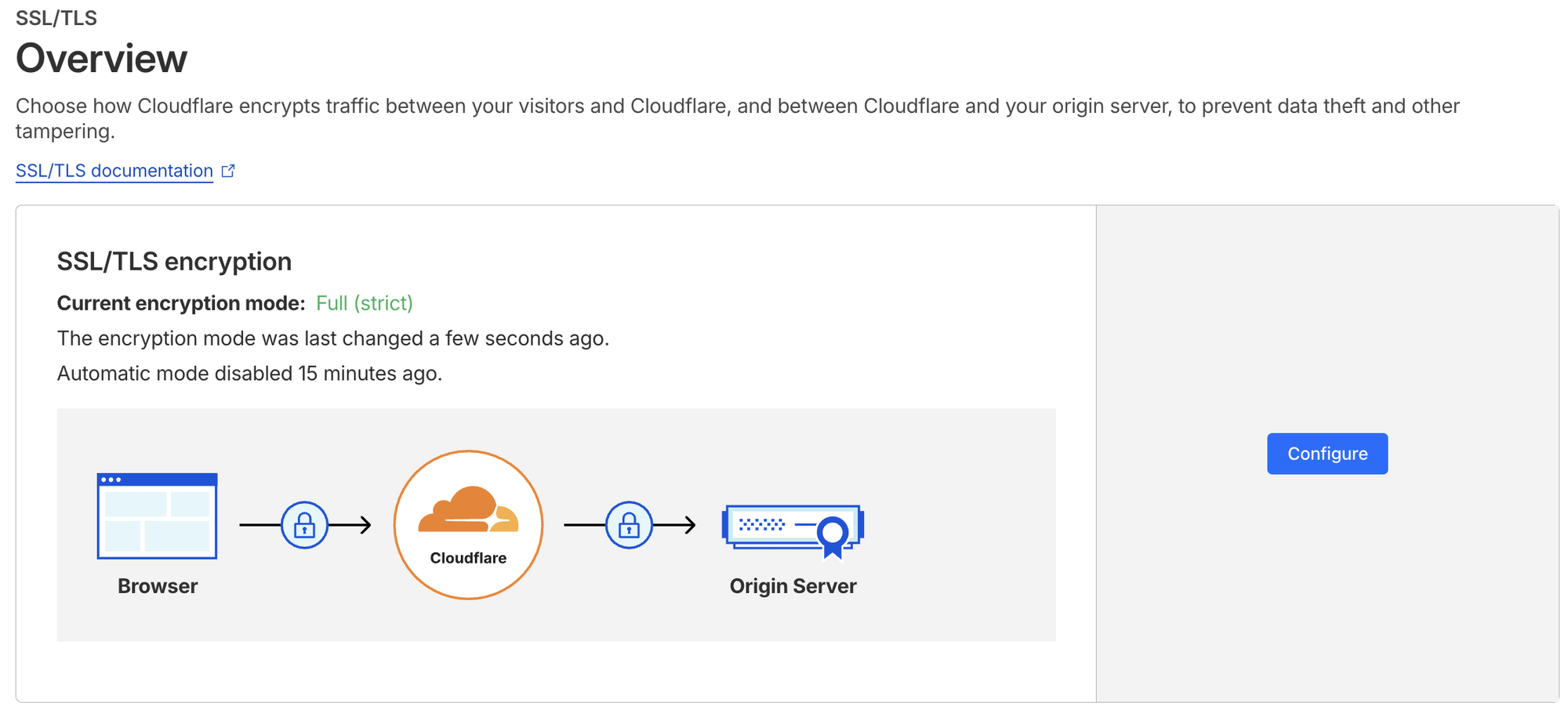
Environment: single-node Kubernetes (K3s), Helm 4, Cloudflare-managed domain anantafatur.dev. Requirement: expose ArgoCD via argocd-aws.anantafatur.dev with HTTPS strictly validated end-to-end.
Helm & NGINX Ingress
Install Helm:
curl -fsSL -o get_helm.sh https://raw.githubusercontent.com/helm/helm/main/scripts/get-helm-4 &&
chmod 700 get_helm.sh && ./get_helm.sh
Create namespace for ArgoCD:
kubectl create namespace argocd
Add NGINX Ingress repo and install:
helm repo add ingress-nginx https://kubernetes.github.io/ingress-nginx
helm install ingress-nginx ingress-nginx/ingress-nginx -n ingress-nginx --create-namespace
Check NGINX Ingress pods:
root@ip-172-31-18-80:~# kubectl get pods -n ingress-nginx
NAME READY STATUS RESTARTS AGE
ingress-nginx-controller-696dc57956-bbk7r 1/1 Running 0 81s
Check NGINX Ingress services:
root@ip-172-31-18-80:~# kubectl get svc -n ingress-nginx
NAME TYPE CLUSTER-IP EXTERNAL-IP PORT(S) AGE
ingress-nginx-controller LoadBalancer 10.43.112.204 172.31.18.80 80:30110/TCP,443:30248/TCP 84s
ingress-nginx-controller-admission ClusterIP 10.43.140.196 443/TCP 84s
Cloudflare Origin Certificate
Downloaded origin.crt and origin.key from Cloudflare dashboard.
Create Kubernetes TLS secret:
kubectl create secret tls argocd-cloudflare-origin --cert=origin.crt --key=origin.key -n argocd
This secret will be referenced in the Ingress for full-strict TLS.
ArgoCD Ingress
Ingress configuration:
apiVersion: networking.k8s.io/v1
kind: Ingress
metadata:
  name: argocd-ingress
  namespace: argocd
  annotations:
    kubernetes.io/ingress.class: nginx
    nginx.ingress.kubernetes.io/backend-protocol: "HTTPS"
    nginx.ingress.kubernetes.io/ssl-redirect: "false"
    nginx.ingress.kubernetes.io/force-ssl-redirect: "false"
    nginx.ingress.kubernetes.io/proxy-buffer-size: "16k"
    nginx.ingress.kubernetes.io/proxy-read-timeout: "300"
    nginx.ingress.kubernetes.io/proxy-send-timeout: "300"
spec:
  tls:
    - hosts:
        - argocd-aws.anantafatur.dev
      secretName: argocd-cloudflare-origin
  rules:
    - host: argocd-aws.anantafatur.dev
      http:
        paths:
          - path: /
            pathType: Prefix
            backend:
              service:
                name: argocd-server
                port:
                  number: 443
argocd-ingress.yaml
Apply it:
kubectl apply -f argocd-ingress.yaml
Check ingress:
root@ip-172-31-18-80:~# k get ingress -A
NAMESPACE NAME CLASS HOSTS ADDRESS PORTS AGE
argocd argocd-ingress argocd-aws.anantafatur.dev 172.31.18.80 80, 443 3s
Host resolved correctly, TLS terminates with Cloudflare Origin Cert.
ArgoCD Deployment
Fetch Helm chart values:
helm show values argo/argo-cd > argocd-values.yaml
Update argocdUrl in values:
sed -i 's|argocdUrl: ""|argocdUrl: "argocd-aws.anantafatur.dev"|' argocd-values.yaml
kubectl apply -f argocd-values.yaml
Install ArgoCD via Helm:
helm install --values argocd-values.yaml argocd argo/argo-cd --namespace argocdCheck Helm releases:
root@ip-172-31-18-80:~# helm list -A
NAME NAMESPACE REVISION UPDATED STATUS CHART APP VERSION
argocd argocd 1 2026-02-23 07:37:42.679479302 +0000 UTC deployed argo-cd-9.2.4 v3.2.3
ingress-nginx ingress-nginx 1 2026-02-23 07:33:18.848391993 +0000 UTC deployed ingress-nginx-4.14.1 1.14.1
Retrieve admin password:
root@ip-172-31-18-80:~# kubectl -n argocd get secret argocd-initial-admin-secret -o jsonpath="{.data.password}" | base64 -d; echo
i5SCpYon7mh2419R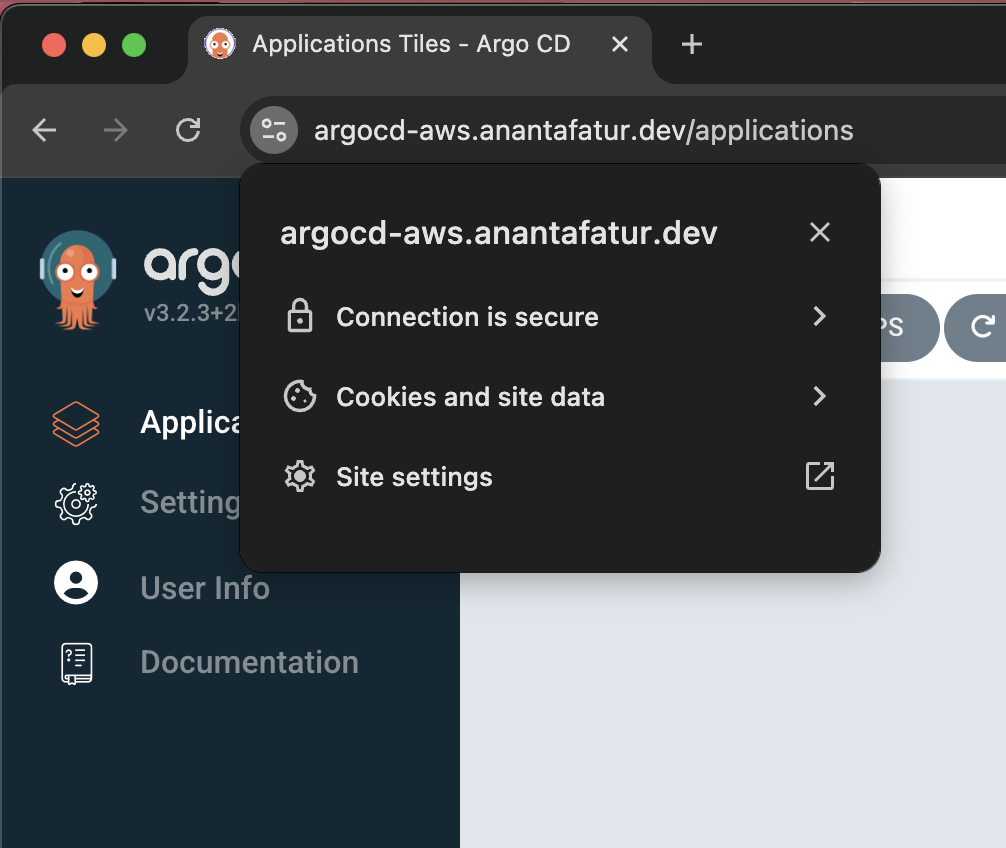
Note on k3s
Since I’m running k3s, remember that by default it bundles Traefik as the ingress controller. I didn’t want Traefik interfering with NGINX, so I disabled it during installation:
curl -sfL https://get.k3s.io | INSTALL_K3S_EXEC="server --disable traefik" shSimple enough, now NGINX is the only ingress in charge, no conflicts, and ArgoCD can sit nicely behind it.